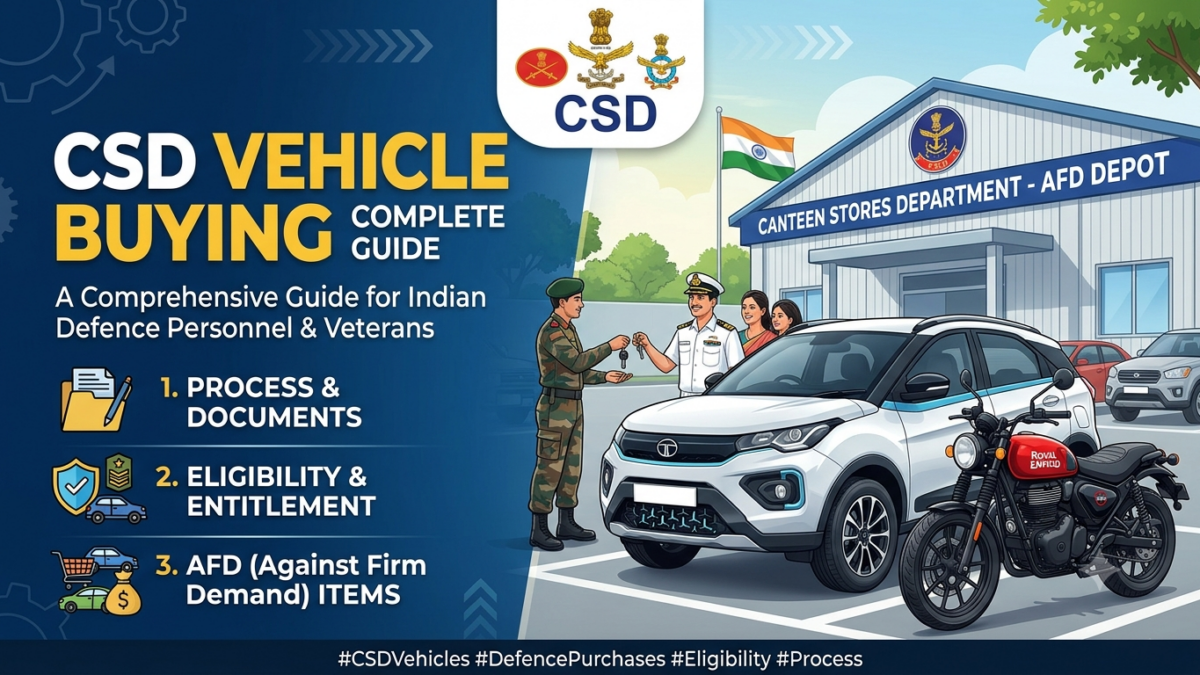
The days of dealing with physical paperwork at local canteen depots are completely gone. All vehicle bookings are now processed online through the official CSD Against Firm Demand (AFD) portal.
A single typo or mismatch in entering your details can lead to an immediate system rejection and delayed financial refunds. Follow this exact workflow to guarantee a seamless vehicle allocation.
Phase 1: Pre-Registration Checklist
Before opening the web portal, scan clear digital copies of the following documents and save them to your device:
- PAN Card and Aadhaar Card.
- Latest CSD Grocery Smart Card (both front and back sides).
- PPO or Discharge Book (required for Ex-Servicemen only).
- Availability Certificate and Price Quotation, which you must source directly from your chosen local vehicle dealer.
Phase 2: Account Registration
- Go to the official website: afd.csdindia.gov.in
- Click on the “New User Registration” link.
- Validate your profile using your CSD Smart Card Chip Number and your active PPO or Service Number.
- Verify your identity via the mobile OTP sent to your registered mobile number.
Please note that manual registration approvals can take up to 48 hours. You will receive a confirmation email once your account goes live.
Phase 3: Booking Your Vehicle
- Log in to the approved portal and use the search filters to find your exact vehicle manufacturer, model, and variant code.
- Select your delivery state, your preferred regional CSD Depot, and the exact Authorized Dealer name that matches your offline quotation paperwork.
- Upload your dealer availability certificate and enter your active bank details.
- Submit the application for approval. Your request will route directly to your regional CSD depot for administrative vetting.
Phase 4: Payment & Delivery
- Once approved, the portal will generate a customized Payment Challan featuring a unique virtual account number.
- Visit your bank to initiate an RTGS or NEFT transfer for the exact amount down to the single rupee. Do not pay via standard IMPS or consumer UPI applications, as these cannot map correctly to the CSD accounting system.
- Upload your transaction receipt and UTR number to the portal for validation.
- Within 2 to 4 days, the portal will generate your digital Local Supply Order (LSO). Print this document out, present it to your dealer, settle the remaining local RTO registration fees and insurance costs, and collect your brand-new vehicle.